
Turn your long videos into clips ready to post
ClipCerto uses AI to find the best moments in your video, reframes them vertically following the speaker's face, adds word-by-word captions and posts to your TikTok. Transcription and editing run on your own computer.
Version 1.0.0 · free · no ClipCerto account needed · interface in Brazilian Portuguese
How it works, in 3 steps
From a long video to a published clip, with no video editor.
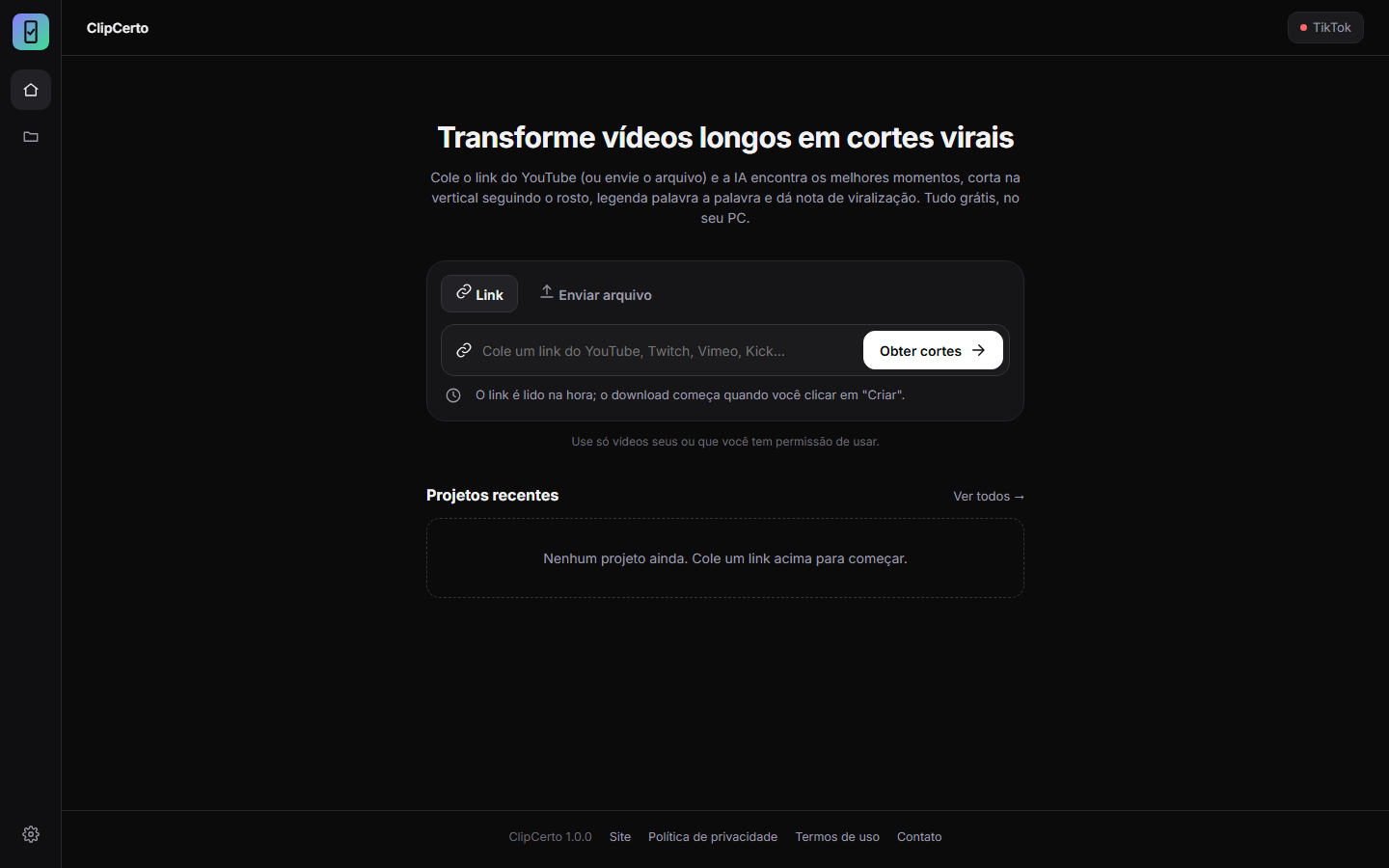
Pick the video
Upload the file (MP4, MOV, WEBM, MKV) or paste the link to a video of yours. You can process just a part of it. Before creating clips, you confirm that you hold the rights to the video.
AI finds the best moments
The audio is transcribed on your PC. The AI reads the transcript, picks the strongest segments and scores each clip from 0 to 100, with comments on hook, flow, value and trend.
Review and post
Watch the clip, adjust the title and caption, download the file or post it to your TikTok. You decide who can see it and when it goes out.
What ClipCerto does
Made for people who record podcasts, live streams, classes and long videos and want to publish clips without spending hours editing.
Transcription on your PC
Audio becomes text on your computer, in Portuguese, English or Spanish. The video is not uploaded to any server to be transcribed.
Vertical reframing that follows the face
The 9:16 frame follows whoever is speaking, so the clip works well on a phone screen.
Word-by-word captions
Captions that highlight the spoken word, plus a hook line at the top of the video.
Opens with the strongest line
Each clip starts with its most striking sentence and has long pauses removed.
Virality score
From 0 to 100, with an explanation. It is an AI estimate to help you choose, not a guarantee of results.
Suggested caption and hashtags
Each clip comes with a title, text and hashtags that you edit before posting.
Posting to TikTok
Connecting your account is optional. Without it, you download the clips and post them any way you like.
What happens when you connect
- Official TikTok login. You sign in on TikTok's own page and authorize ClipCerto. The app never sees your password.
- Nothing is posted on its own. A video only goes to TikTok when you open the posting screen and click the button.
- You choose everything. Caption, who can view, comments, duet, stitch, cover and the commercial content disclosure.
- Draft, if you prefer. The clip goes to your TikTok inbox and you finish editing on your phone.
- Disconnect whenever you want. In Settings → Disconnect. Access is revoked at TikTok and erased from your PC.
Permissions requested from TikTok
| Permission | What it is for |
|---|---|
user.info.basic | Show the account's name and picture on the posting screen, so you can check where the video will be posted. |
video.publish | Post the clip to your profile when you click the post button. |
video.upload | Send the clip as a draft to your TikTok inbox. |
The account's name, picture and access tokens are stored only on your computer. See the Privacy Policy.
Inside the app
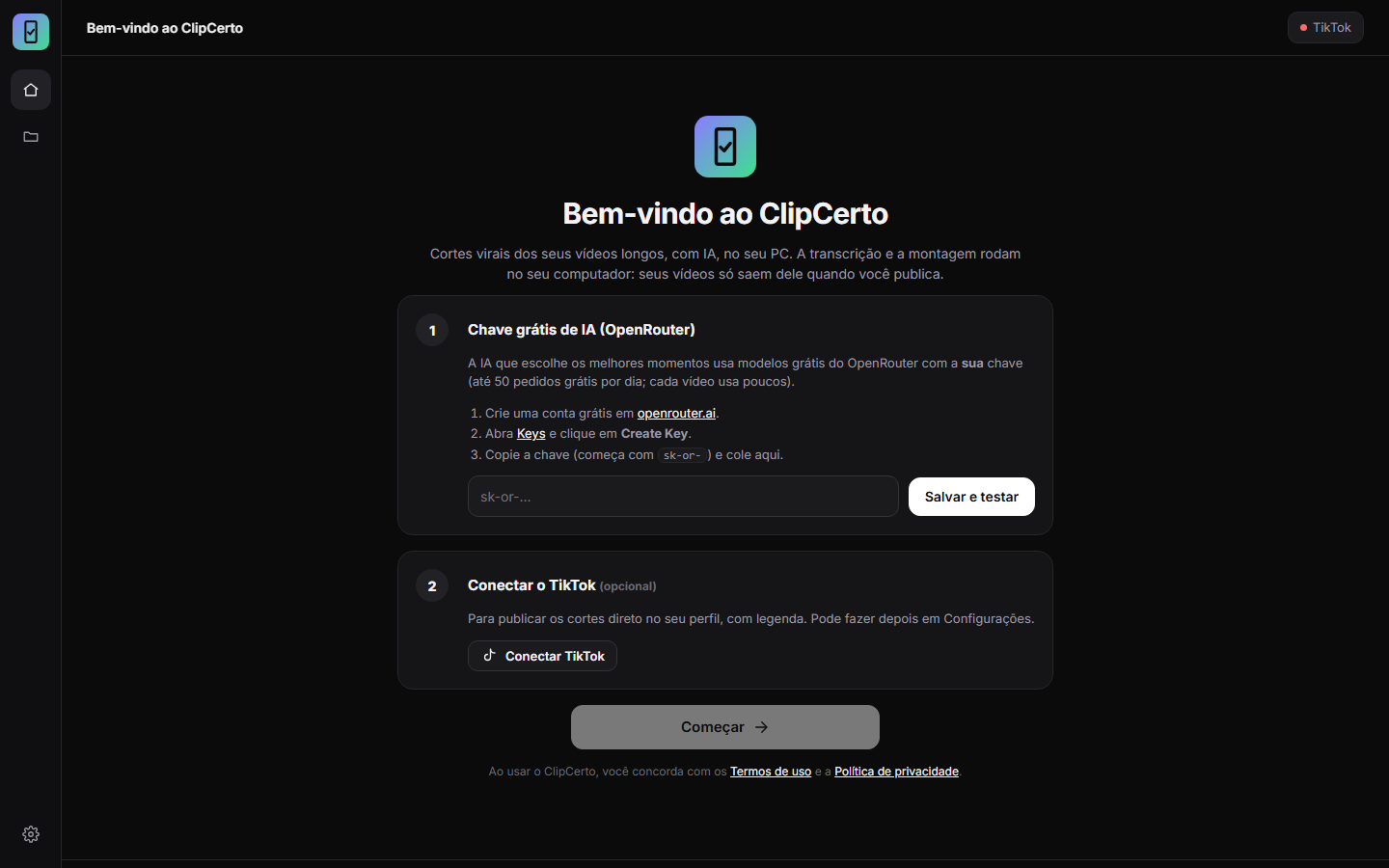
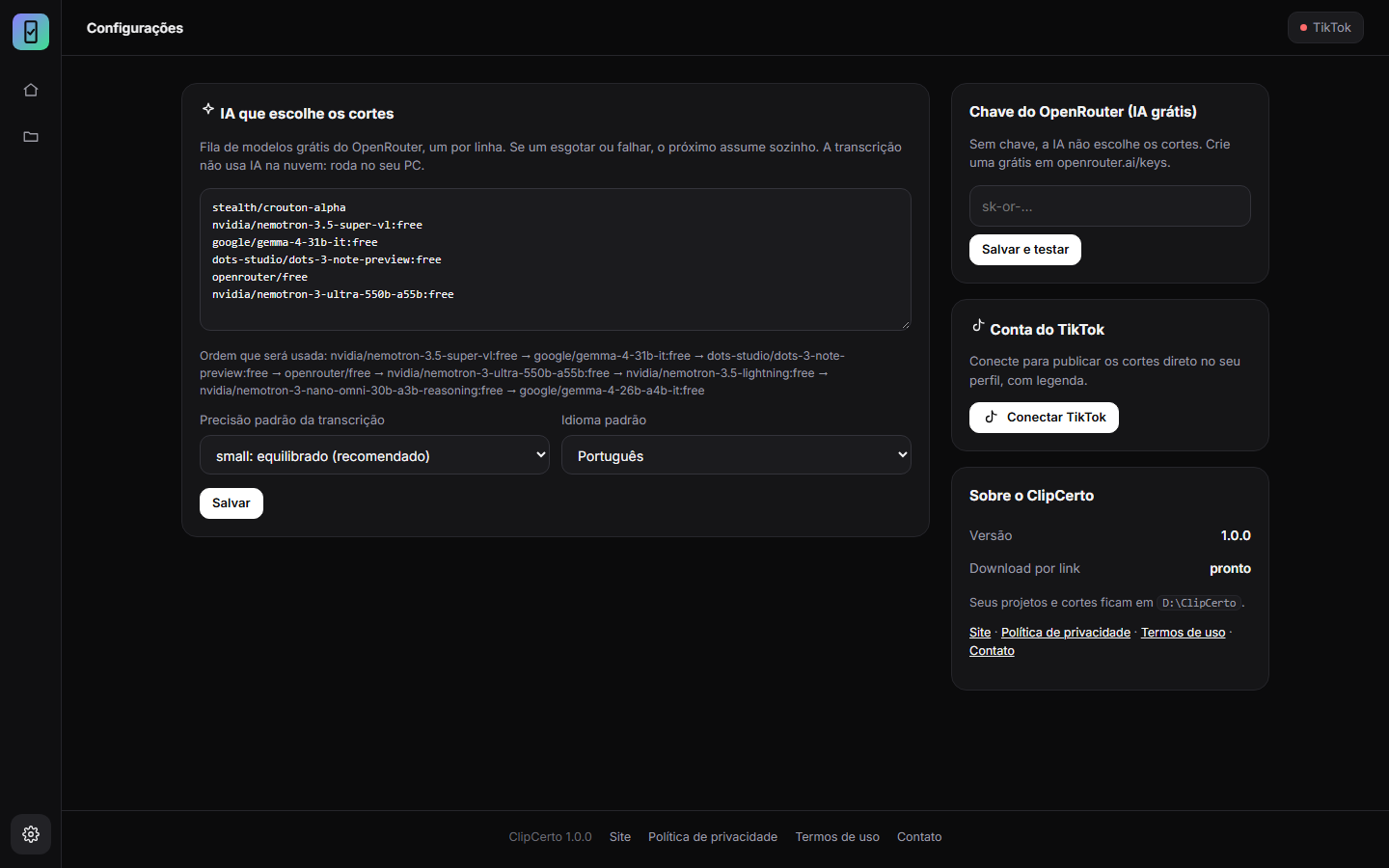
Real screenshots of ClipCerto 1.0.0.
Your videos stay with you
ClipCerto has no server to store your files and no sign-up.
What stays on your PC
- Your videos, clips and transcripts.
- Your OpenRouter key.
- Your TikTok connection (name, picture and access tokens).
What leaves your PC
- The transcript text goes to OpenRouter, with your own key, so the AI can pick the moments.
- The clip you post goes to TikTok, when you click.
- The TikTok login passes through our website only to be validated. Nothing is stored.
No ads, no tracking cookies and no usage analytics. Details are in the Privacy Policy.
Requirements and installation
Runs on ordinary computers. No graphics card needed.
What your PC needs
- Windows 10 or 11, 64-bit.
- 8 GB of RAM or more.
- 3 GB of free disk space, plus room for your videos.
- Internet for the AI to pick the moments, to download videos by link and to post.
- A free OpenRouter key. The app walks you through it on first run.
How to install
- Download
ClipCerto-Setupand open the file. It does not ask for an administrator password. - Windows may show the “Windows protected your PC” warning, because the installer does not yet have a paid digital signature. Click More info and then Run anyway.
- Open ClipCerto from the Start menu and paste your OpenRouter key.
- On the first transcription the app downloads the speech model (about 470 MB). After that, it stays on your PC.
Frequently asked questions
Didn't find your answer? Get in touch.
Is ClipCerto really free?
Yes. The app is free and has no paid plan. The AI that picks the moments uses free OpenRouter models with your own key, which currently allows 50 free requests per day. One video uses only a few requests. These limits are set by OpenRouter and may change.
Are my videos uploaded to a server?
Not for processing. Transcription, cutting and captioning are done on your computer. Only the transcript text goes to OpenRouter, and the final clip goes to TikTok if you decide to post it there.
What is the OpenRouter key and why do I need it?
OpenRouter is a service that gives access to many AI models. You create a free account at openrouter.ai, generate a key and paste it into ClipCerto. That way the AI runs on your account rather than ours, which is why the app can be free.
How long does it take to create clips?
It depends on your PC and the length of the video. On a mid-range computer, a 30-minute video takes about 20 minutes. The app shows the estimated time and progress.
Can I use videos from YouTube or other platforms?
Only videos that are yours or that you are authorized to use. The app accepts links to make things easier when your own video is already published, and asks you to confirm your rights before creating clips. Also follow each platform's rules. See the Terms of Service.
Do I need to connect TikTok to use it?
No. The connection is optional. Without it, you download the clips as MP4 and post them wherever you want.
How do I disconnect TikTok or delete my data?
In the app, open Settings and click Disconnect: access is revoked at TikTok and the tokens are erased from your PC. To delete everything, uninstall ClipCerto through Windows and delete the %LOCALAPPDATA%\ClipCerto folder.
Why does Windows show a warning during installation?
Because the installer does not yet have a code-signing certificate, which is paid. The warning appears for any new program without one. Always download ClipCerto from this website.
Is ClipCerto made by TikTok?
No. It is an independent application that uses TikTok's official API to sign you in and post the videos you choose.
Start with your next long video
Install it, paste the free AI key and see your first clips in a few minutes.